Save a symbol
Add the company from its detail page or market list.
Save a company. Know what changed.Build a focused watchlist and, when the live alert service is ready, create clear price and movement triggers.
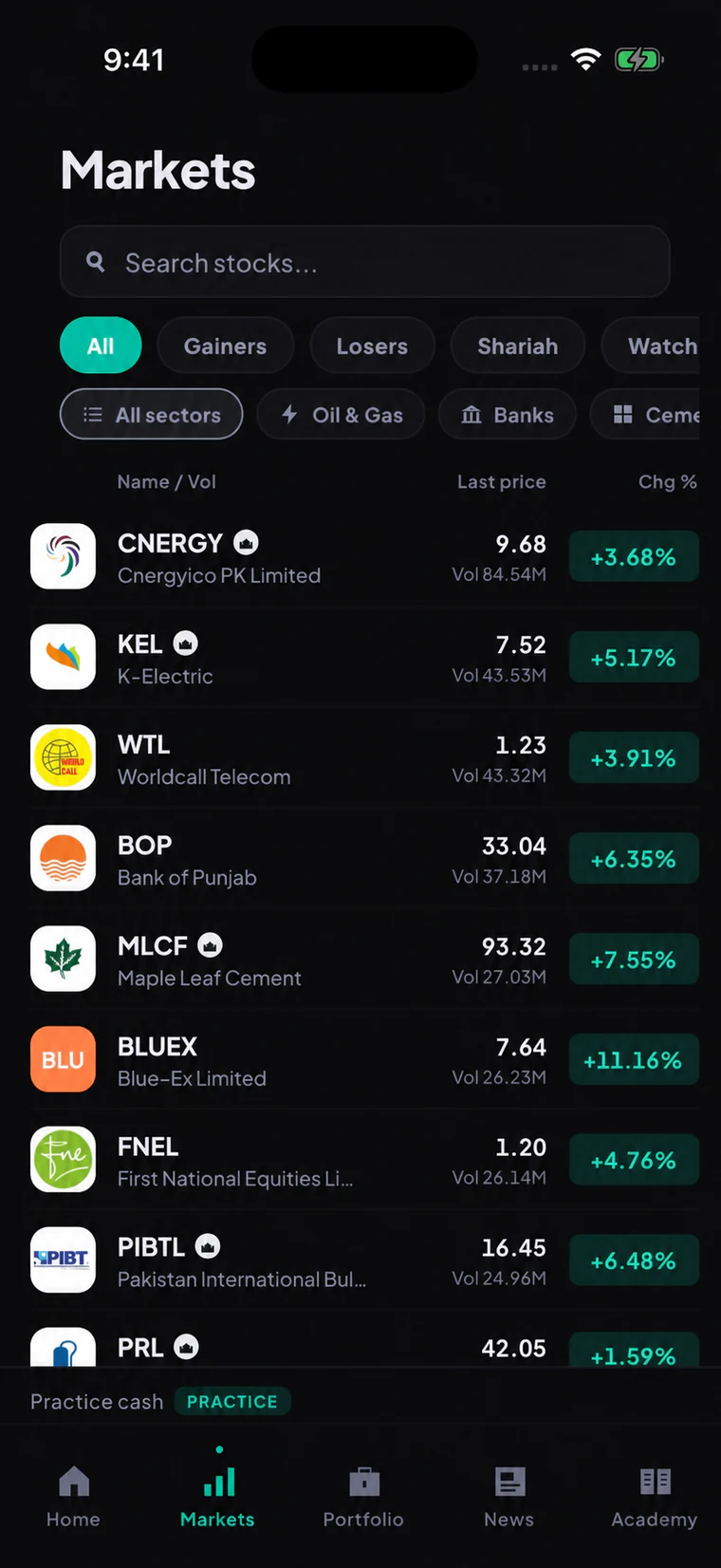
Watchlists help you return to the companies you are already studying. Alerts add a server-side notification only when a licensed data feed and delivery record can prove what triggered it.
Follow the steps from opening the feature to checking the result.
Add the company from its detail page or market list.
Pick above, below, or a supported percentage move.
Confirm the symbol, threshold, data basis, and notification route.
Open the notification to see the quote and context that caused it.
These are the main tasks available across the connected screens.
Add or remove a symbol from the stock page and return to it from Markets.
Ask for a notification when a future live price reaches or passes a chosen level.
Create a downside threshold without turning it into an automatic sell order.
Track a defined move over the supported period when the alert service is live.
See which condition fired, when it fired, and which market value triggered it.
Choose whether a supported event can reach you in-app or through an enabled device channel.
Local watchlists are part of the beta. Reliable server alerts are coming soon and will not be simulated as live notifications.
These checks keep beta, live service, data, and account actions clearly separated.
A trigger never buys or sells a share. You still review and submit any order yourself.
If the live feed or notification service is unavailable, Tijarat will show that state instead of inventing an event.
Network and device conditions can affect notifications. The app will explain that alerts are not guaranteed execution tools.
No. Alerts only notify. Recurring investments and future automation have their own separate confirmation and controls.
A trustworthy alert needs licensed data, a server-side trigger, delivery evidence, and clear failure handling. That production service is not open yet.
The first beta keeps one focused watchlist. Additional lists are not promised until the core experience is stable.
Join for the product update and future account-opening invitation. Live brokerage remains closed until approval and production readiness.