Choose side and account
Confirm Buy or Sell and make sure the mode is Practice or Live.
Build, review, submit, and track every order.Use a clear market or limit ticket, see the material details, and follow the order from submission to final status.
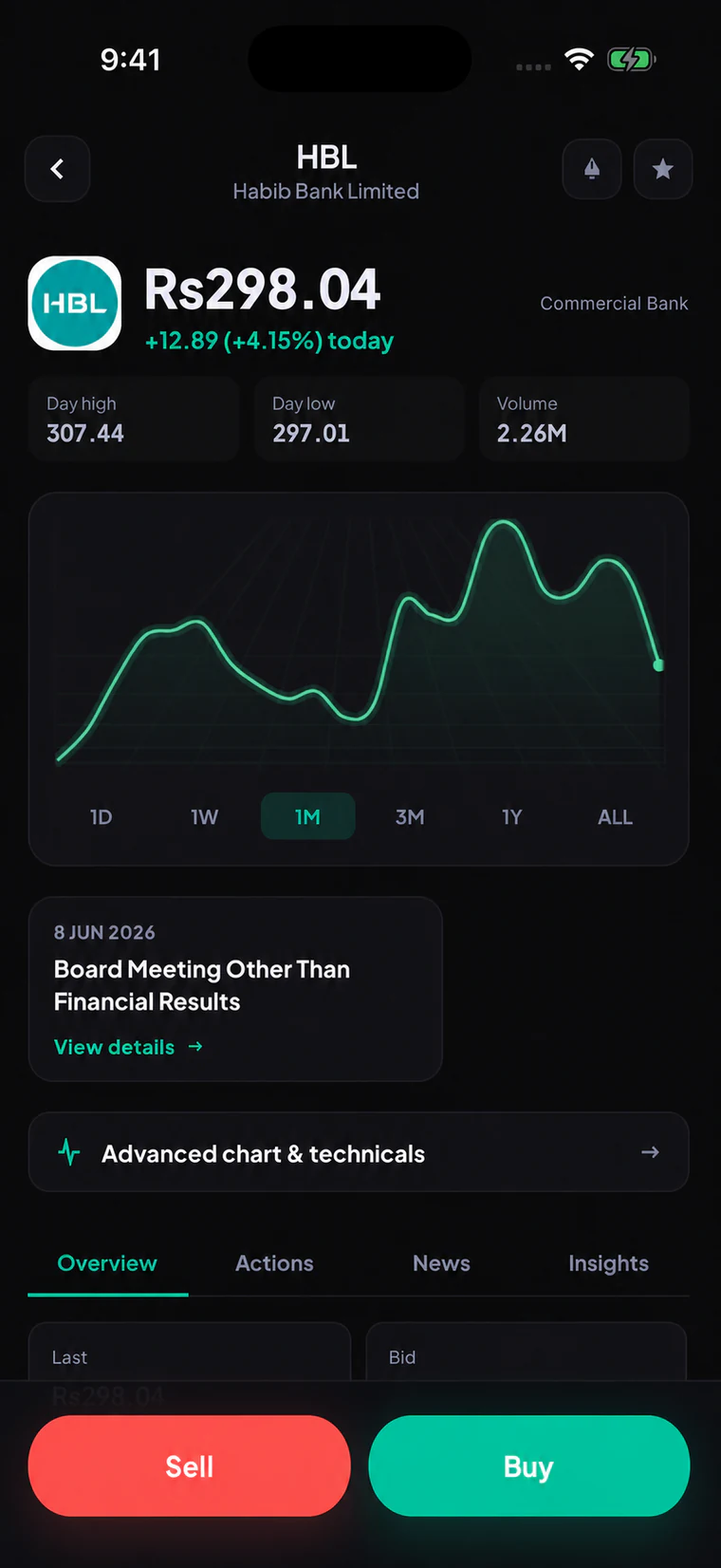
The trade flow keeps side, symbol, quantity, order type, account mode, available cash or shares, and the review step visible. Live orders will use the same evidence trail whether they start in the app or a future API.
Follow the steps from opening the feature to checking the result.
Confirm Buy or Sell and make sure the mode is Practice or Live.
Enter shares or rupees, then choose Market or Limit.
Read the full instruction, available balance, estimates, costs, and relevant warnings.
Use the order reference and status history to understand what happened next.
These are the main tasks available across the connected screens.
The side stays visually and verbally explicit throughout the ticket and confirmation.
Enter the order using the unit that makes sense, then see the calculated quantity or value before sending.
Request the best available execution while acknowledging that the final price can move.
Set the highest buy or lowest sell price you accept, knowing the order may not execute.
Live confirmation will show quantity, price basis, estimated value, brokerage, taxes, levies, and important warnings.
Track pending, open, partially filled, filled, rejected, expired, and cancellation-request states without false certainty.
Simulated market and limit orders are available in practice. Real orders remain closed until brokerage approval and production execution are ready.
These checks keep beta, live service, data, and account actions clearly separated.
A submitted or cancellation-request state is not shown as filled or cancelled without broker and exchange evidence.
Repeated taps or network retries must not create an unintended duplicate live order.
Applicable brokerage, taxes, and market levies will appear before a live order is confirmed.
Submitted means the instruction was accepted for processing. Filled means execution evidence confirms that shares traded.
Yes. Available market quantity can fill part of an order while the rest stays open, expires, or is cancelled under the applicable rules.
No. The order may fill before the exchange confirms cancellation. The app will keep the request state distinct from the final state.
Join for the product update and future account-opening invitation. Live brokerage remains closed until approval and production readiness.